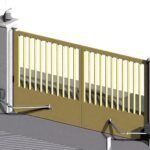

An automatic sliding gate is a fantastic asset for security and convenience—until it stops working. Whether your gate is stuck open, refuses to close, or makes grinding noises, most issues stem from a few common culprits.
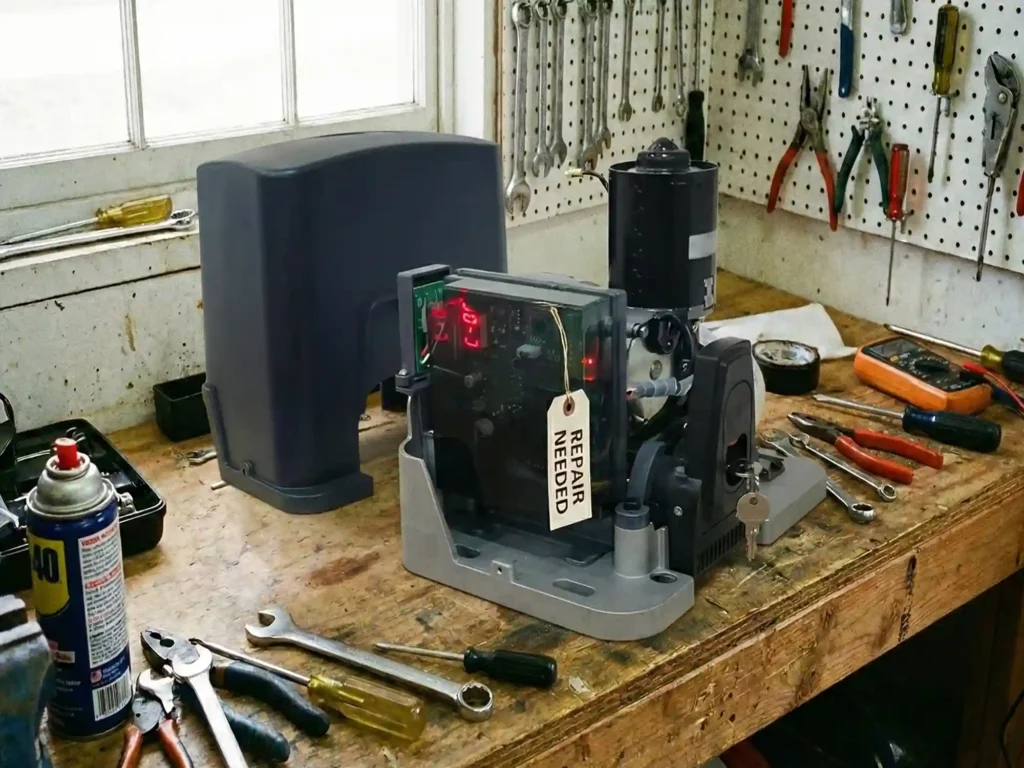
Before you call a technician, this guide will walk you through the most frequent sliding gate problems and how to troubleshoot them.
1. The Gate Opens But Won’t Close
The Symptom: You press the remote, the gate opens perfectly, but when you try to close it, nothing happens—or it starts to close and immediately reverses.
The Likely Culprit: Safety Photocell Sensors (Photo Eyes) Every modern gate opener has infrared safety sensors to prevent the gate from crushing a car or person. If these sensors think there is an obstacle, they will disable the closing function.
How to Fix It:
- Check for Obstructions: Look for leaves, tall grass, or even a spider web blocking the beam between the two sensors.
- Clean the Lenses: Wipe the sensor lenses with a damp cloth. Dust and mud are common blockers.
- Check Alignment: If a car bumped the post, the sensors might be misaligned. Ensure the “Sending” eye and “Receiving” eye are looking directly at each other. Most sensors have a small LED light that glows solid when aligned.
2. The Gate Moves Slowly or Stops Halfway
The Symptom: The gate starts moving but feels sluggish, struggles, or stops in the middle of the track.
The Likely Culprit: Physical Track Obstructions or Worn Rollers Sliding gates rely on a smooth track. If the physical friction is too high, the motor’s “Obstruction Detection” feature will trigger, thinking it hit a car, and stop the gate to protect the motor.
How to Fix It:
- Inspect the Track: Look for stones, gravel, or packed snow in the floor track. Even a small rock can derail a heavy gate.
- Check the Wheels: If your gate wheels are rusted or the bearings are shot, the friction will be too high for the motor. Disengage the motor (Manual Release) and push the gate by hand. It should glide smoothly. If it’s hard to push, you need new wheels, not a new motor.
3. The Motor Hums But the Gate Doesn’t Move
The Symptom: You hear the motor spinning or making a humming noise, but the gate remains stationary.
The Likely Culprit: Manual Release Mode or Driveline Issue This often happens after a power outage. If someone used the key to unlock the motor for manual use, the internal clutch is disengaged.
How to Fix It:
- Check the Clutch: Locate the manual release lever or key slot on the motor. Ensure it is locked back into “Gear” or “Automatic” mode.
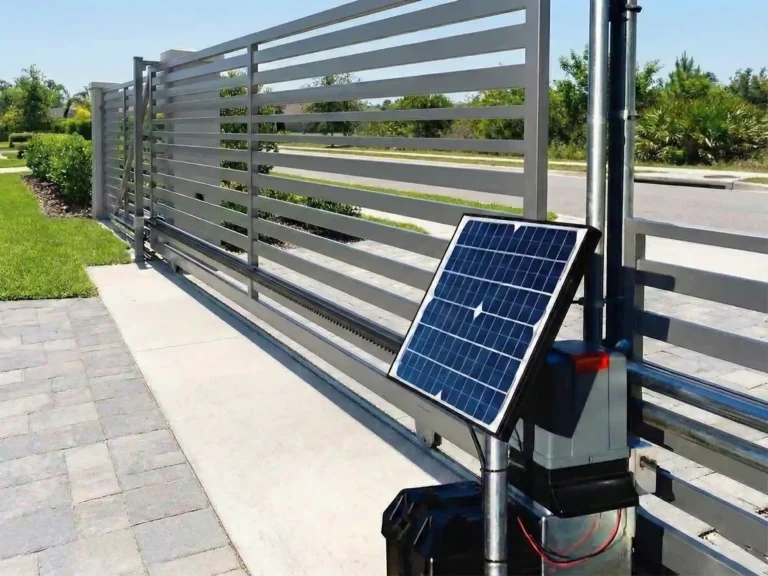
- Check the Chain/Rack: On chain-driven gates, the chain might have fallen off the sprocket. On rack-driven gates, ensure the motor gear is actually touching the teeth of the gate rack.
4. The Gate Over-Travels (Hits the Stop Post)
The Symptom: The gate doesn’t stop where it should. It slams into the closing post or runs off the track when opening.
The Likely Culprit: Limit Switch Failure Limit switches tell the motor exactly when to stop. These are usually either mechanical arms or magnetic sensors mounted on the gate.
How to Fix It:
- Check the Magnets: If you have a magnetic limit switch, check if the magnets mounted on the gate rack have fallen off or shifted position.
- Check the Spring: If you have a mechanical spring switch, make sure it isn’t bent or frozen by ice.
- Re-Learn Limits: Some modern digital motors need to run a “System Learning” cycle to reset their digital limits. Consult your manual.
5. The Remote Control Doesn’t Work
The Symptom: The gate works fine when you use the keypad or the button inside the house, but the handheld remote is dead.
The Likely Culprit: Battery or Interference This is the simplest but most overlooked issue.
How to Fix It:
- Check the LED: Press the button on the remote. If the small LED light doesn’t blink (or blinks dimly), replace the battery.
- Interference: If the remote range is suddenly very short, check for new radio interference nearby (e.g., new LED heavy-duty lights or nearby radio towers).
- Reprogram: Occasionally, a power surge can wipe the receiver’s memory. Try reprogramming the remote to the opener.
6. Pest Invasion (Insects and Slugs)
The Symptom: The circuit board looks fried or acts erratically for no apparent reason.
The Likely Culprit: PCB Short Circuit Ants, slugs, and geckos love the warmth of a gate opener control box. If they crawl onto the back of the circuit board (PCB), they can bridge the connections and short out the system.
How to Fix It:
- Visual Inspection: Open the control box and look for burn marks or insect trails on the board.
- Prevention: Seal any cable entry holes with silicone or steel wool. Using mothballs inside the housing can also help deter insects.
Need a Reliable Replacement?
If your current gate opener is constantly giving you headaches, it might be time for an upgrade.
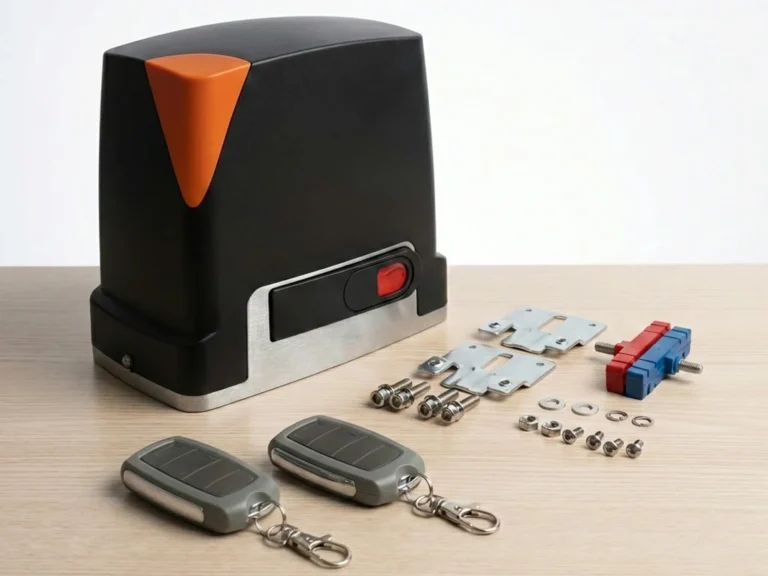
At ACCESS TECH, we design our gate openers with durability in mind. From fully enclosed pest-resistant circuit boards to advanced magnetic limit switches that won’t freeze in winter, our products are built to solve these common problems before they start.
Contact us today to find a reliable, low-maintenance solution for your driveway.